Eco-Friendly House Cleaning NYC: The 2026 Guide to Non-Toxic Urban Living

What if the air inside your Manhattan apartment is actually more polluted than the bustling street below? It’s a common reality for many New Yorkers…
How To Choose The Best Cleaning Service In Medford, Glen Cove & Long Beach, NY
First Impressions Count: Why Office Cleaning is Your Business’s Best Marketing Tool

Commercial Cleaning vs. Standard Cleaning: What Your Long Island Business Actually Needs

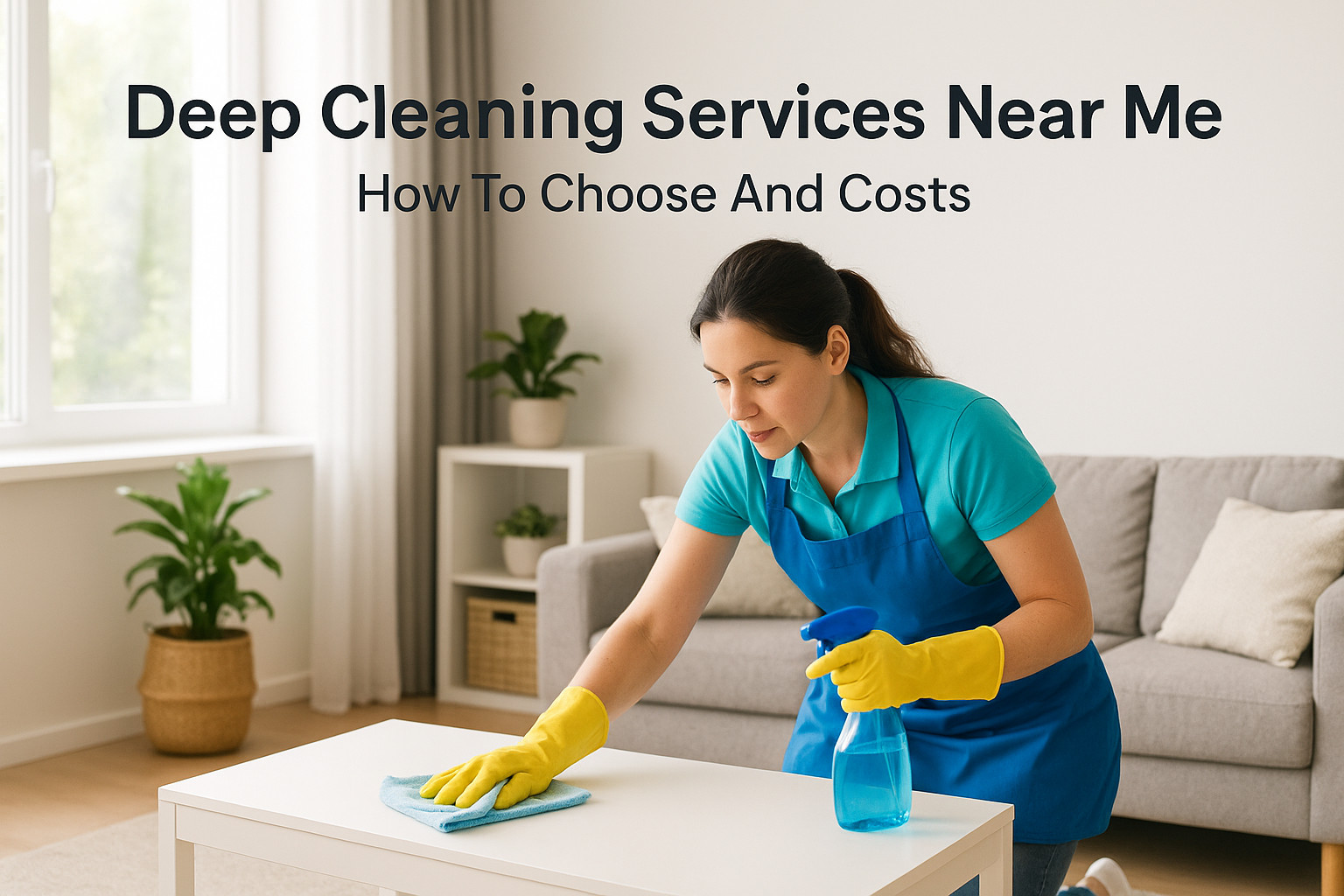
Deep Cleaning Services Near Me: How To Choose And Costs
Typing "deep cleaning services near me" into Google usually means one thing: your home has gotten away from you and you need help fast. Maybe it’s baseboards you haven’t touched since move-in, grease buildup behind the stove, or grime in grout lines that a regular wipe-down never reaches. You want someone who can actually fix it, not just tidy around it, and you want to know what you’re paying for before anyone shows up. This guide gives you a straight answer: how to vet local cleaning companies, what separates a real deep clean from a standard tidy-up, and what you should expect to pay based on your home’s size and condition. We’ll walk through the questions to ask before booking, the red flags that signal a sloppy or unreliable crew, and the realistic price ranges you’ll see across New York. We run AlphaLux Cleaning, a New York based deep cleaning company, so this isn’t theory. It’s what we tell our own customers when they’re comparing quotes. By the end, you’ll know exactly what to look for, what it costs, and how to book a service you can trust with your space. 1. AlphaLux Cleaning: personalized deep cleaning across New York AlphaLux Cleaning sits at the top of this list because we built our whole business around the gap between a quick tidy and an actual deep clean. When you search for deep cleaning services near me in New York and land on us, you’re getting a crew trained specifically for buildup that regular cleaners skip: baseboards, window tracks, inside appliances, grout lines, and the dust that collects behind furniture nobody moves. We serve homeowners and businesses across New York State, with a strong footprint on Long Island, and every job starts with a conversation about what your space actually needs, not a fixed checklist. How it works You start with a free online estimate, either through our booking form or a quick phone call, where we ask about square footage, number of bathrooms, pets, and how long it’s been since your last real deep clean. From there, we build a customized cleaning plan rather than sending a generic crew with a generic list. Our team arrives fully insured, background-checked, and equipped with eco-friendly, non-toxic products, so you’re not left airing out your house afterward or worrying about chemical residue around kids or pets. A deep clean should fit your home’s actual condition, not a one-size-fits-all checklist. Most first-time deep cleans take longer than a standard visit because the crew is working through years of buildup, not last week’s dust. We tell customers to expect two to five hours depending on size and condition, and we scope that out clearly before we start so there are no surprises on the invoice. Best for AlphaLux works best for homeowners and renters who want a one-time reset before switching to regular maintenance cleaning, and for anyone who’s tried a standard cleaning service and felt like the deeper grime never actually left. We also handle businesses that need a thorough clean outside normal operating hours. If your priority is a service that treats deep cleaning as its own specialty rather than an upsell tacked onto a basic package, this is the fit. Average cost Pricing depends on square footage, layout, and how much buildup we’re dealing with, but here’s a realistic range for New York homes: Home size Typical deep clean cost Studio / 1-bedroom $150 – $220 2-bedroom $220 – $320 3-bedroom $320 – $450 4+ bedroom $450 and up These numbers shift based on how many bathrooms you have, whether you want inside-appliance cleaning, and how long since the last deep clean. We always confirm final pricing after the free estimate, so you know the number before we touch a single surface. What to ask before booking Before you book any deep cleaning service, including us, ask these questions and compare the answers: Is the estimate based on my actual home, or a generic flat rate? What specifically counts as "deep cleaning" versus standard cleaning in your service? Are your cleaners insured and background-checked? What products do you use, and are they safe around pets and kids? Can I get a written scope of work before the crew arrives? Getting clear answers here separates companies that treat deep cleaning as a real specialty from ones just charging more for the same basic visit. 2. National cleaning franchises When you search for deep cleaning services near me, you’ll almost always see a handful of national franchise brands near the top of the results. These are companies with dozens or hundreds of locations across the country, each operating under a shared name, shared pricing structure, and shared training manual, even though the actual crew showing up at your door is usually a local franchise owner and their staff, not a corporate team. How it works You book through a central website or call center, and the request gets routed to the nearest franchise location, which then schedules the job. Because the parent company sets the standard operating procedures, you get consistency in what’s included, but the quality of execution still depends on the individual franchise owner’s hiring and training standards. Some franchisees run tight, well-supervised teams. Others cut corners on staffing to hit margins, especially during busy seasons. A national name guarantees a process, not a guaranteed level of care from the crew in your house. Best for Franchises suit people who want a recognizable brand name and a predictable booking process, especially if you’re relocating from another state and already know the company from a previous city. They also work well if you want a paper trail and corporate customer service to escalate to if something goes wrong, since local independents often don’t have that layer. Average cost Expect to pay a premium over independent cleaners for the same scope of work, since franchise fees and marketing budgets get baked into the rate. Home size Typical franchise deep clean cost 1-2 bedroom
Commercial Cleaning Contracts in New York: The 2026 Corporate Strategy

Nearly 45% of commercial cleaning partnerships end prematurely because of inconsistent quality, leaving many facility managers to deal with the…
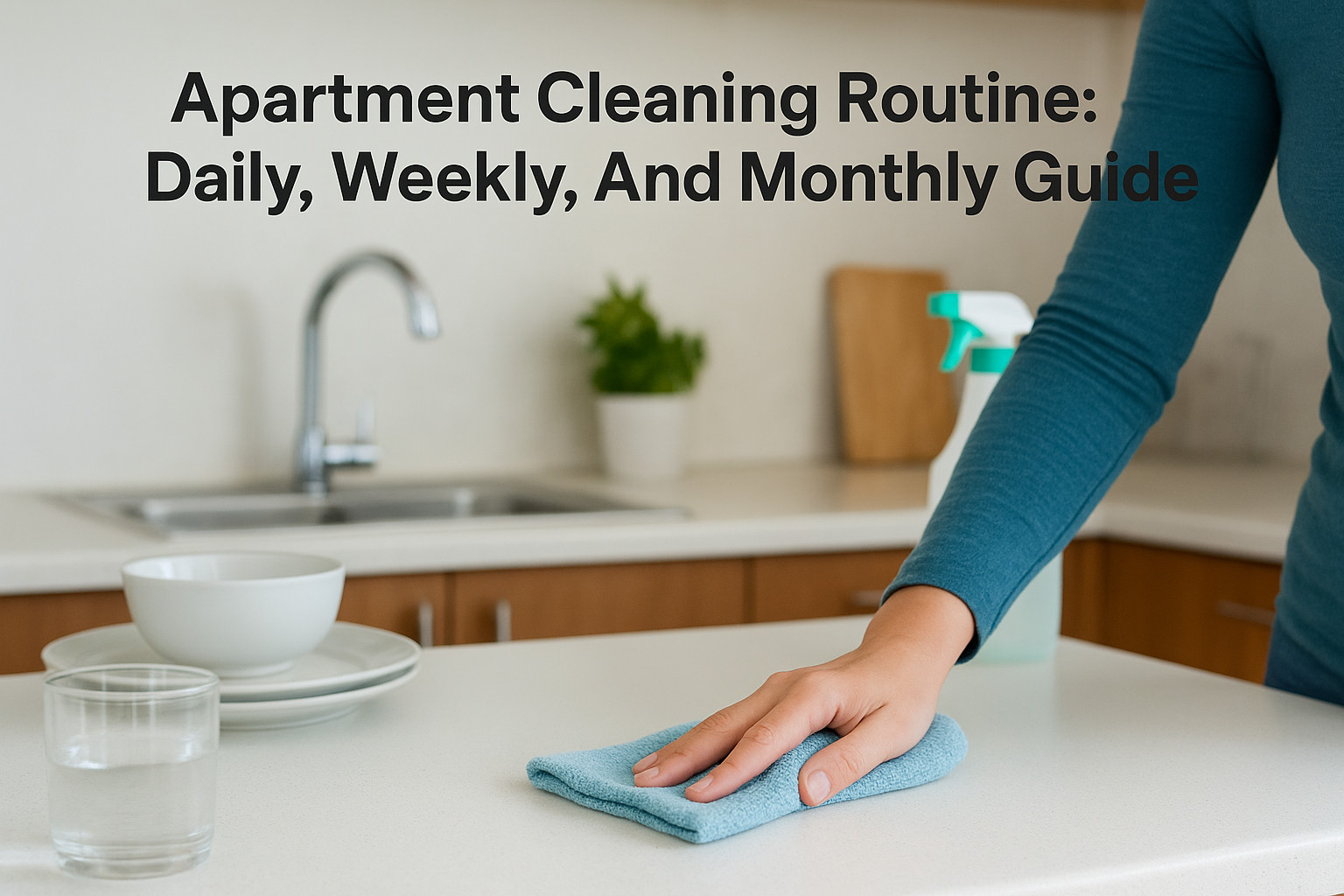
Apartment Cleaning Routine: Daily, Weekly, And Monthly Guide
Your apartment gets messy again three days after you deep clean it, and you’re stuck wondering where the time went. The problem usually isn’t laziness. It’s not having a plan, so cleaning becomes a once-a-month scramble instead of a handful of small, manageable habits spread across the week. A solid apartment cleaning routine breaks the work into pieces you can actually keep up with: quick daily resets, a weekly deep pass on specific rooms, and monthly tasks that catch what gets missed in the rush. This guide lays out exactly what to do each day, week, and month, so you’re never facing a full-scale cleanup because everything piled up at once. Small, consistent habits beat marathon cleaning sessions every time. Below, you’ll find a practical daily checklist, a room-by-room weekly plan, and the monthly tasks that keep your apartment genuinely fresh, not just surface-tidy. And if a week gets away from you or you’d rather hand off the deep cleaning entirely, AlphaLux Cleaning’s customized cleaning plans across New York State cover exactly that gap, using eco-friendly products and vetted, insured pros so your space stays spotless without the constant upkeep falling on you. 1. Daily cleaning tasks to keep your apartment tidy Daily tasks aren’t about scrubbing anything. They’re about stopping mess from compounding, so your apartment never spirals into a weekend-long project. Skip these for even three or four days and you’ll feel the difference: dishes stack up, counters get sticky, and the whole place starts to feel cluttered even if nothing’s technically "dirty." Tasks to complete Stick to a short list you can knock out without thinking twice: Wash dishes or load the dishwasher after every meal Wipe down kitchen counters and the stovetop Make your bed Do a quick sweep of visible clutter, mail, shoes, bags Take out trash if it’s full or smells Wipe bathroom sink and mirror after use A five-minute daily reset prevents the two-hour weekend cleanup. Time needed Most of this takes 10 to 15 minutes total, split across the day rather than done all at once. Dishes right after dinner take two minutes. Making your bed takes 30 seconds. Wiping the bathroom sink while you brush your teeth costs you nothing extra. The trick is attaching each task to something you already do, so it never feels like a separate chore. Tips for staying consistent Consistency beats intensity here. Set a timer if you tend to lose track of time, or build a simple habit-stacking approach: clean the counters while coffee brews, sweep clutter while you’re on a phone call. Keep cleaning supplies within reach, a cloth under the sink, spray on the counter, so there’s no excuse to skip it. If you live with roommates or a partner, split the list so no one person carries the daily load, and it stays sustainable long-term. 2. Weekly cleaning tasks for deeper upkeep Weekly cleaning fills the gap between daily resets and full deep cleans. This is where you tackle floors, bathrooms, and surfaces that don’t need attention every day but get grimy fast if you wait a month between passes. Tasks to complete Block out one session and work room by room: Vacuum or sweep all floors, including under furniture edges Mop kitchen and bathroom floors Scrub the toilet, tub, and shower Dust shelves, TV stands, and window sills Change bed sheets Clean mirrors and glass surfaces Empty and wipe down the trash cans themselves Weekly cleaning is what actually keeps an apartment feeling clean, not just tidy. Time needed Expect 45 minutes to an hour for a one-bedroom apartment, longer if you’re tackling a two-bedroom or a place with more bathrooms. Doing it in one sitting, rather than spreading tasks out, tends to work better here since you’re already pulling out cleaning supplies. Tips for staying consistent Pick the same day every week, Sunday morning or Friday evening, so it becomes automatic rather than something you negotiate with yourself. Pair it with music or a podcast to make the hour pass faster, and you’ll stop dreading it altogether. 3. Monthly cleaning tasks for often-missed spots Monthly cleaning catches the spots that don’t scream for attention but quietly build up grime, dust, and grease over weeks. These tasks won’t make your apartment look different at a glance, but skip them for a few months and you’ll notice the buildup fast, especially behind appliances and inside places you rarely open. Tasks to complete Run through this list once a month, ideally on a weekend when you have more time: Clean inside the refrigerator and wipe down shelves Wipe down kitchen cabinet fronts and handles Dust baseboards, vents, and ceiling fan blades Clean light switches, door handles, and other high-touch spots Vacuum upholstered furniture and cushions Wash or wipe down window tracks and blinds Monthly tasks target the buildup that daily and weekly cleaning never touches. Time needed Budget 1.5 to 2 hours for a full pass. Spread it across two days if a single block feels like too much, tackling the kitchen one day and dust-heavy areas the next. Tips for staying consistent Mark it on your calendar like a recurring appointment, since monthly tasks are easy to forget when nothing looks visibly dirty. Tackling one category weekly, instead of everything at once, keeps the workload manageable. 4. Seasonal deep cleaning for a fresh reset Seasonal cleaning is the deep reset that daily, weekly, and monthly tasks don’t cover. This is where you move furniture, tackle appliances inside and out, and address spots that only need attention a few times a year. Think of it as hitting the reset button before summer heat or winter closed-windows season locks in whatever’s been building up. Tasks to complete Set aside a weekend, four times a year, for this list: Move furniture and clean underneath Wash windows inside and out Deep clean the oven and behind the fridge Launder curtains, rugs, and slipcovers Wipe down walls and touch up baseboards Declutter closets and donate what
Vacation Rental Cleaning Long Island: The Host’s Guide to 5-Star Turnovers

On Long Island, a vacation rental isn’t just a home. It’s a high-stakes hospitality product where a single missed detail can cost you a five-star…
Best Carpet Cleaning Service Near Me: How To Choose
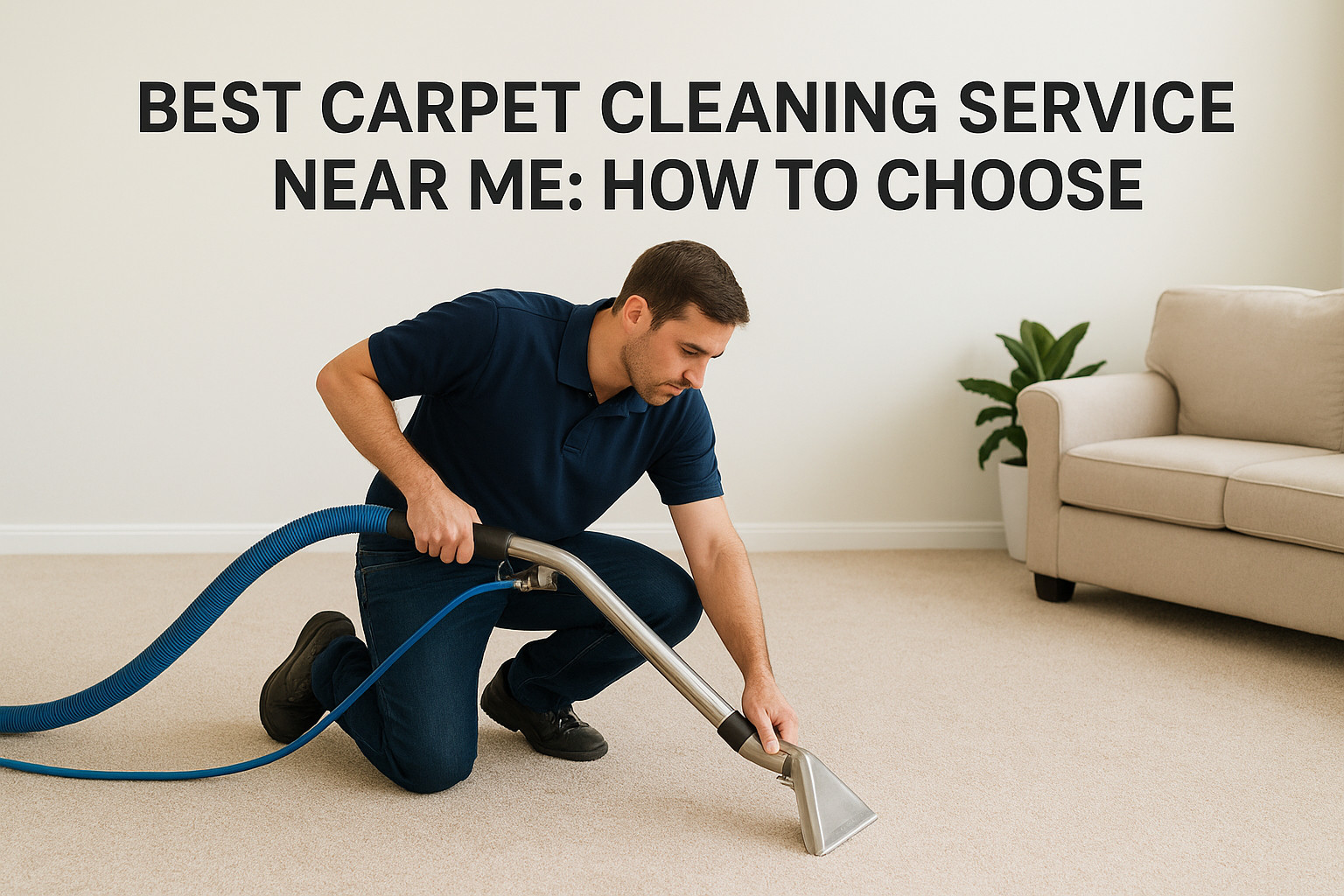
You typed best carpet cleaning service near me into Google because your carpet has seen better days. Maybe it’s wine stains from last weekend, pet odor that won’t quit, or just months of foot traffic that flattened the fibers and dulled the color. Whatever the reason, you want someone reliable, not a gamble on a random name with five-star reviews that might be fake. Here’s the direct answer: the best local carpet cleaner is the one with verified reviews, transparent pricing, insured and background-checked technicians, and cleaning methods suited to your carpet type. A company that shows up on time, explains what they’re doing, and uses safe, effective products instead of harsh chemicals is worth more than the cheapest quote you’ll find. In this guide, we’ll walk through exactly what separates a trustworthy carpet cleaning company from a mediocre one operating in New York State. We’ll cover the questions to ask before booking, red flags in pricing and contracts, how to check credentials, and what a truly thorough deep clean should include. By the end, you’ll know how to vet any provider near you, including how we approach carpet cleaning at AlphaLux. 1. AlphaLux Cleaning for New York homes and offices AlphaLux Cleaning is a New York State based company that treats carpet cleaning as one part of a broader home and office care service, not a side hustle bolted onto a franchise. If you’ve already searched best carpet cleaning service near me and landed on a dozen near-identical listings, the difference here is that AlphaLux builds a plan around your actual space instead of pushing a one-size-fits-all package. That matters most when you’re dealing with pet stains, high-traffic hallways, or carpets that haven’t seen a real deep clean in years. How it works You start with a free estimate, either through an online booking form or a quick call, where you describe the carpet type, square footage, and any specific problem areas like stains or odors. From there, a technician who’s been thoroughly trained and background-checked shows up on schedule with eco-friendly, non-toxic products designed to lift dirt and allergens without leaving behind the chemical smell you get from cheaper outfits. The process typically includes pre-treatment of stains, agitation to loosen embedded dirt, extraction, and a final inspection before the crew leaves. Free, no-obligation estimate before any work begins Fully insured technicians who pass background checks Eco-friendly products safe for kids, pets, and allergy sufferers Flexible scheduling, including one-time deep cleans or recurring visits Service available for both residential carpets and commercial office spaces A cleaning company that shows you the plan before you commit is one you can actually trust with your home. Who it’s for AlphaLux fits homeowners across New York State who want carpet cleaning bundled with a broader relationship, not a one-off transaction. It also works well for businesses and office managers who need a provider comfortable coordinating around work hours, foot traffic patterns, and multiple rooms or floors. If you’ve got kids or pets and you’re wary of harsh chemical residue lingering in carpet fibers, the eco-friendly approach solves that concern directly. Renters preparing for a move-in or move-out inspection also benefit, since AlphaLux already offers that service alongside general carpet care, so you’re not juggling two separate vendors. Typical pricing Pricing depends on square footage, carpet condition, and whether you’re booking a one-time deep clean or adding carpet care to a recurring cleaning plan. AlphaLux provides a free estimate upfront so you know the cost before any technician sets foot in your home or office, which avoids the bait-and-switch pricing some national chains are known for. Bundling carpet cleaning with a broader home cleaning package, rather than booking it as a standalone service, often works out cheaper per visit since you’re not paying separate call-out fees for each provider. You can request a quote directly through the AlphaLux Cleaning website to see what your specific space would cost before committing to anything. 2. National franchise carpet cleaning chains Big-name chains like Stanley Steemer or Zerorez show up in nearly every best carpet cleaning service near me search because they spend heavily on local SEO and pay-per-click ads. That visibility doesn’t always translate to better service, though. Franchises are independently owned under a shared brand, so the crew that shows up in Albany might operate nothing like the one in Buffalo, even though the trucks look identical. How it works You typically book through a national call center or app, and the actual work gets dispatched to a local franchise owner who hires and trains their own technicians. The cleaning method is usually standardized across the brand, often truck-mounted hot water extraction, so you know roughly what equipment shows up. Scheduling tends to be fast since these companies run large fleets, which helps if you need someone within a day or two. Who it’s for Franchise chains suit people who want a recognizable brand name and don’t mind a fairly generic, one-size-fits-all approach to carpet cleaning. They work fine for straightforward jobs, like an annual whole-house clean with no unusual stains or odor problems. If you value consistency of branding over a personal relationship with your cleaner, this category checks that box. A familiar logo on the truck doesn’t guarantee the technician inside cares about your carpet the way a local specialist might. Typical pricing Expect flat per-room pricing that looks appealing in ads but often balloons once add-ons like stain protection, deodorizing, or pet treatment get tacked on at your door. Franchise Feature What to Expect Base price per room $25-$50 Common upsells Scotchgard, deodorizer, pet treatment Booking speed Same-day to 48 hours Method consistency High across locations Read the fine print before booking, since advertised specials rarely include everything you’ll actually want done. 3. Independent local carpet cleaning specialists Small, owner-operated carpet cleaning businesses fill a lot of the results when you search best carpet cleaning service near me, especially outside major metro areas. These are typically one-truck or two-truck operations
The 2026 Daily Office Cleaning Checklist: Elevating New York Workspaces
Could the very air in your Manhattan suite be the silent reason your team’s energy dips by mid-afternoon? Many New York leaders realize that a…